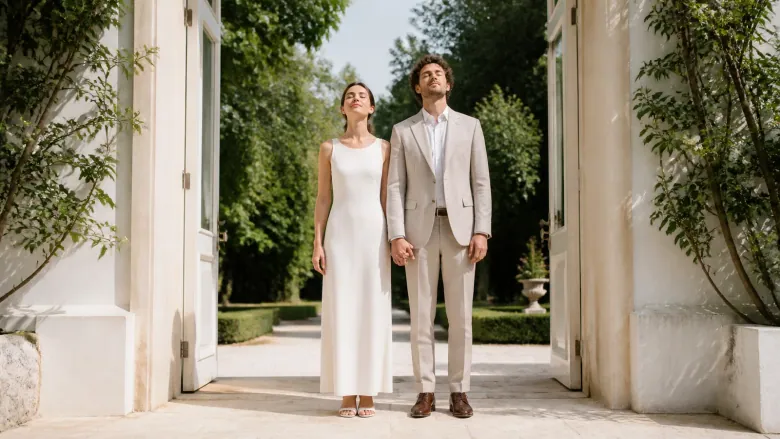
The film shows both life paths: childhood photos, the first meeting, trips together, the first home and the proposal. Greetings from family and friends can be added. It ends with a personal wedding message.
The photos you need
Childhood photos of both, photos from when they met, from holidays and the proposal, and a recent photo of the couple.
How you get your film
Pick a wedding film idea, upload photos, answer the questions for the chosen story and confirm the details. In My Studio you can watch and download the film, for example for the reception. A personal PDF, such as a wedding poem, can be added.
FILM STORIES
Which film gift feels right for this person?
Do not settle for just any template. Find the story that immediately brings this person and your shared moments to mind.
1–11 of 11 film stories
You came from two directions, now you walk the same way.
Two paths, one yes
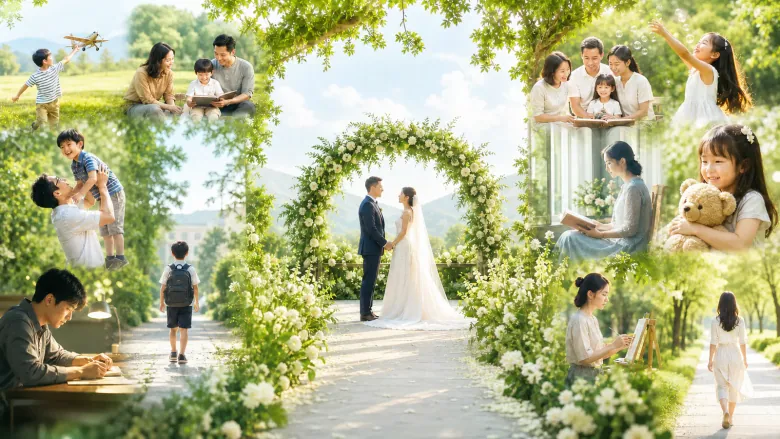
First your childhood photos, your family and friends, then those of your partner. In the film both life paths run toward each other until you meet on your wedding day. Lovely to show at the celebration.
A lovely fit for
For wedding couples, as a wedding gift or as a film for the celebration.
Your gift becomes
A moving wedding film that brings two life stories together.
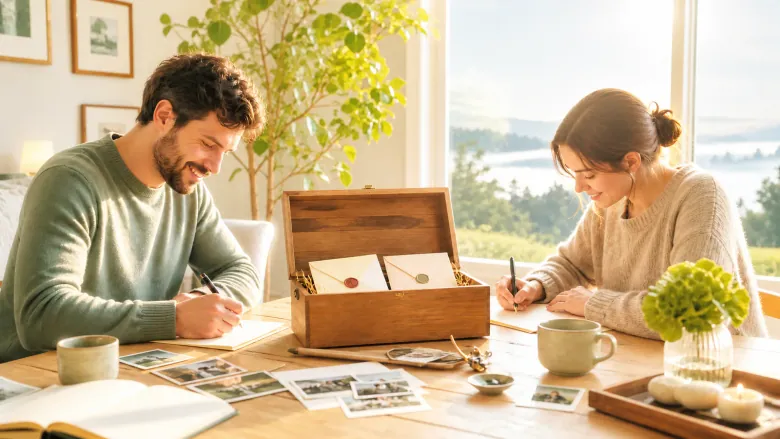
An envelope collects early photos of you, sentences from friends and family and what makes you strong as a couple. At the end you say your promise, and the letter is sealed for later.
A lovely fit for
For wedding couples who want to keep their loved ones’ wishes and their own words for a later year.
Your gift becomes
A warm greeting to later that brings back the voices and the mood of the wedding day when you watch again.
While you were celebrating, many lovely things happened around you.
Eight small moments of your wedding
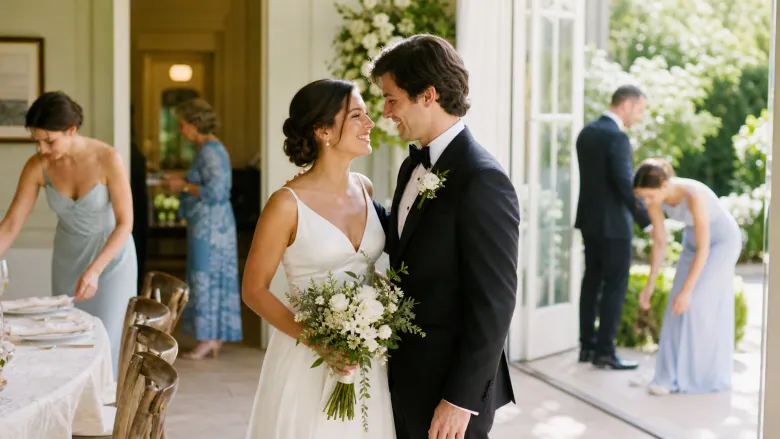
Eight small moments of your wedding that you hardly noticed in the bustle: a helping hand, a loving glance, a shared laugh and a quiet break you chose yourselves.
A lovely fit for
For wedding couples who have recordings of small moments beside the big highlights of the day.
Your gift becomes
A wedding film of moments that are easily lost in the bustle, ending with a photo of you two and a personal greeting.
Your shoes are still there, telling yesterday's story.
From the morning after back to your yes
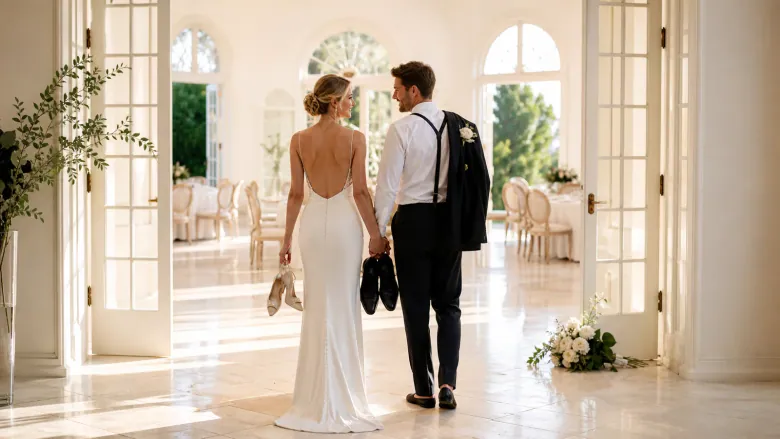
On the morning after the wedding, the things from the day before tell it backwards: the shoes, the empty hall, a hug and your real yes, back to the preparations on the wedding morning.
A lovely fit for
For wedding couples who have recordings of the party and photos of personal things on the morning after.
Your gift becomes
A wedding film that tells backwards from the morning after to the first moment of the day and ends with a greeting from today.
Every seat at the table tells how someone belongs to you: relationship stories, a favor done long ago, a conversation that began here. In the end you walk through the room yourselves.
A lovely fit for
For wedding couples who want to honor chosen guests and their connection to them personally.
Your gift becomes
A gift that shows behind the seating plan the people and the stories you have lived with them.
You saw this look. You have not seen the other one yet.
Our first look from both sides
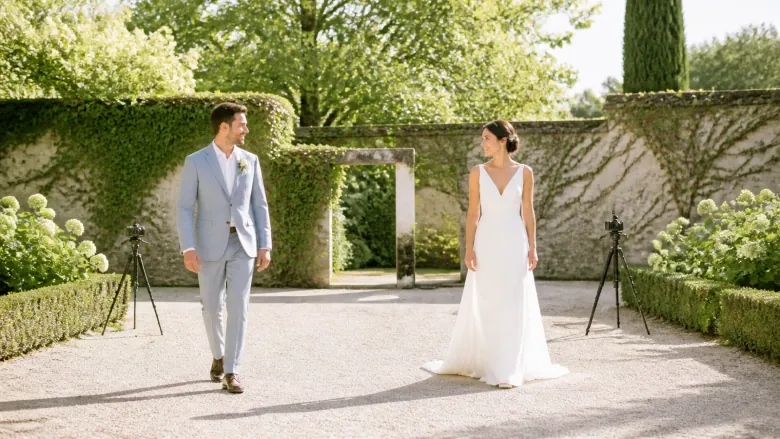
Two cameras film at the same time and stay apart until you turn around. Then each shows, with its own sound, the same first look that can never be repeated.
A lovely fit for
For wedding couples who want to keep their first look from two angles.
Your gift becomes
A gift that makes the reverse look you did not see visible and keeps the moment unchanged.
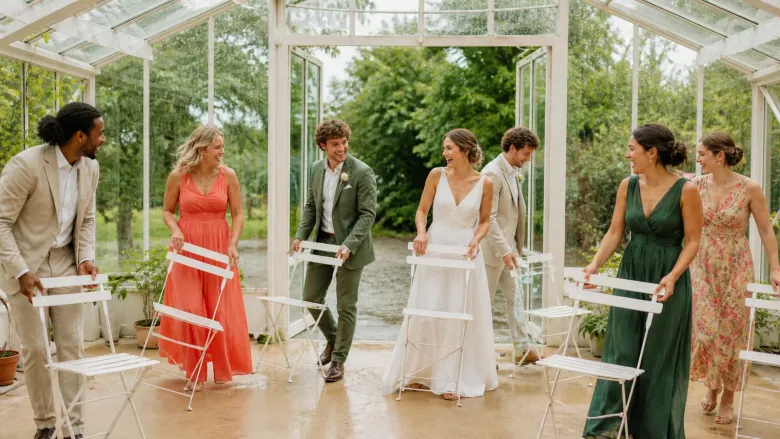
A film about your wedding day in the rain. Your photos show the first clouds, umbrellas going up, wet shoes and guests lending a hand. At the end you stand side by side, soaked and smiling.
A lovely fit for
For a wedding anniversary, or as a keepsake for a couple whose big day had bad weather.
Your gift becomes
A cheerful film about a rainy wedding day that turned out wonderfully.
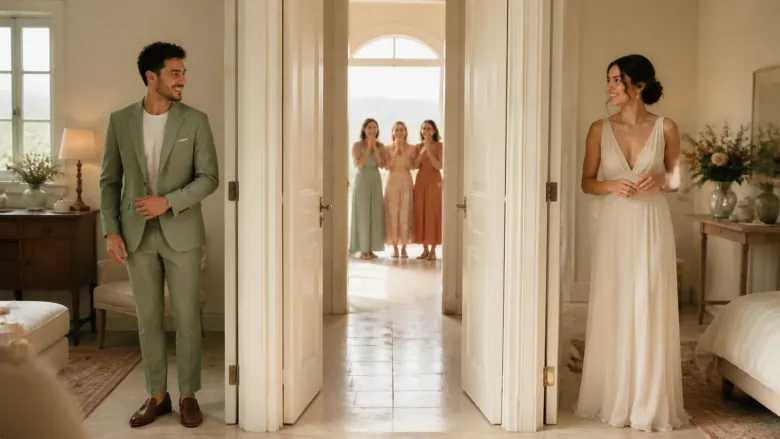
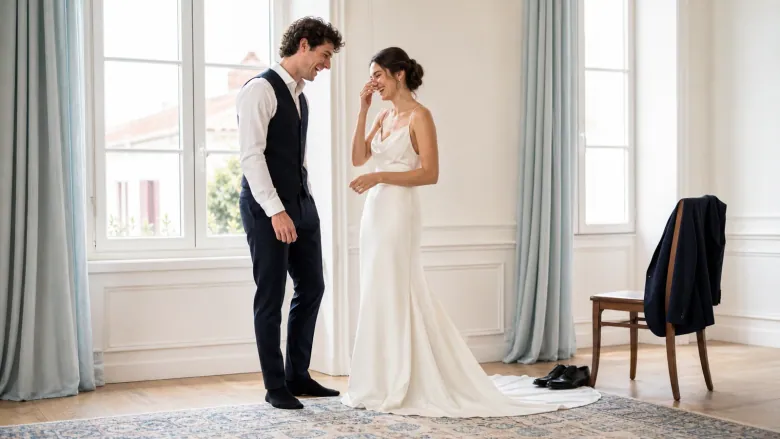
A wedding film that tells your day step by step. First getting ready with help from family or friends, then the moment you see each other, then the party with your guests. The deep breath before the “I do” runs through it as a common thread.
A lovely fit for
For newlyweds after the wedding, as a gift to themselves or from the best man, maid of honour or family.
Your gift becomes
A warm film that sums up your wedding day from morning to celebration.
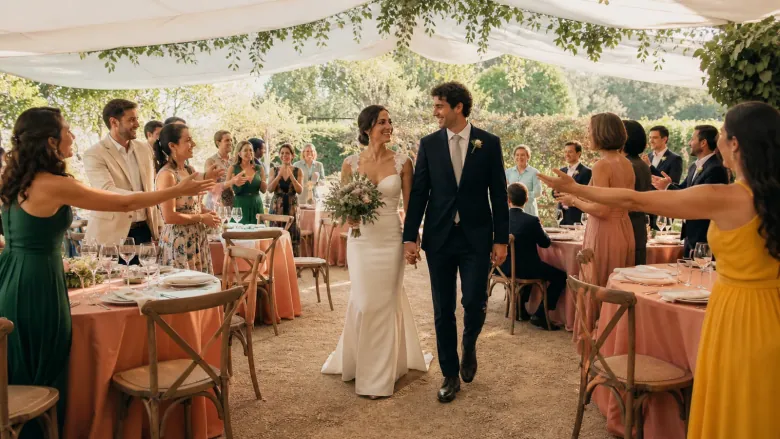
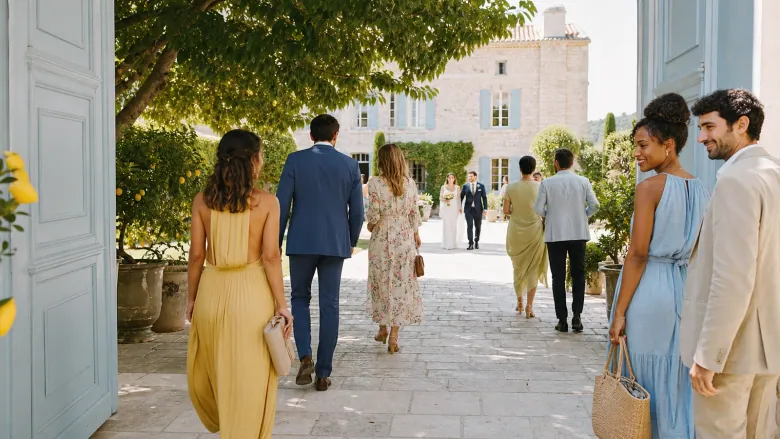
The film shows what happened before you walked in. The venue slowly fills with family and friends who greet each other, help out and bring small things. At the end the two of you step into the full room.
A lovely fit for
For newlyweds after the wedding, especially if guests took photos while arriving.
Your gift becomes
A heartfelt film about your guests and the start of your celebration.
In all the bustle there was one room just for you two.
Our Quiet Room on the Wedding Day
A wedding film about a small side room you kept escaping to. Your photos show it empty in the morning, full of jackets after the ceremony, and in the evening as you leave it together.
A lovely fit for
For newlyweds who took photos of their little breaks during the wedding day.
Your gift becomes
A calm, personal film about the quiet minutes of your wedding.