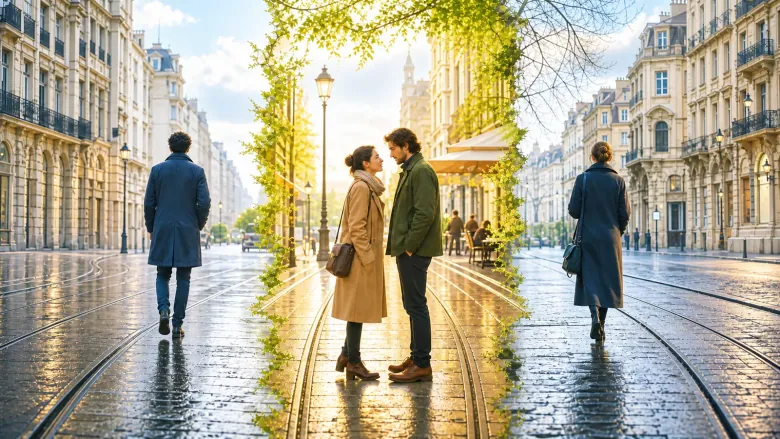
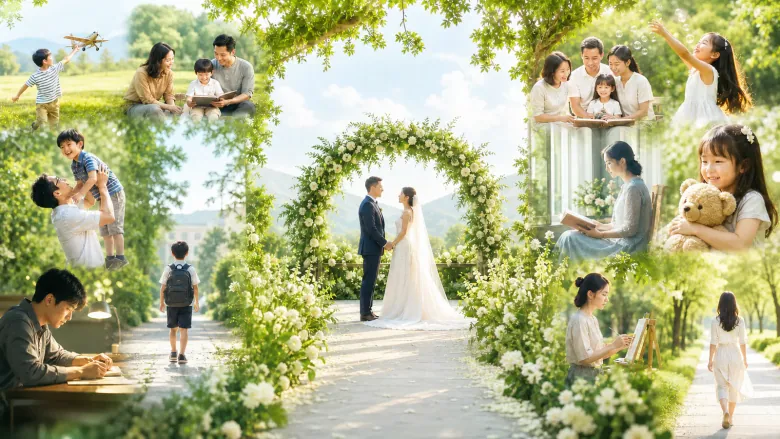
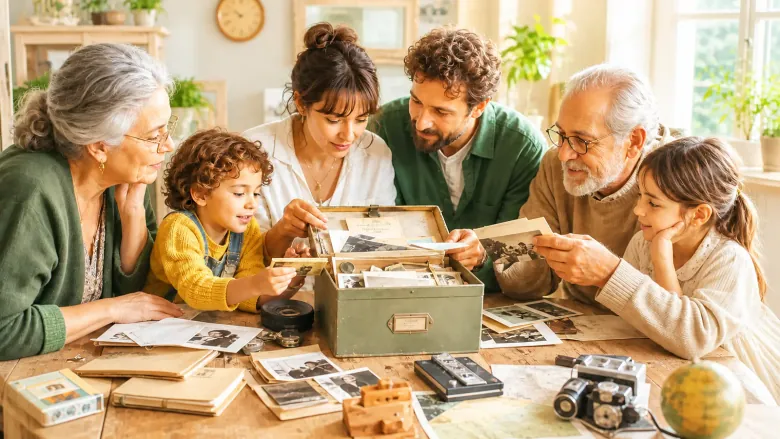
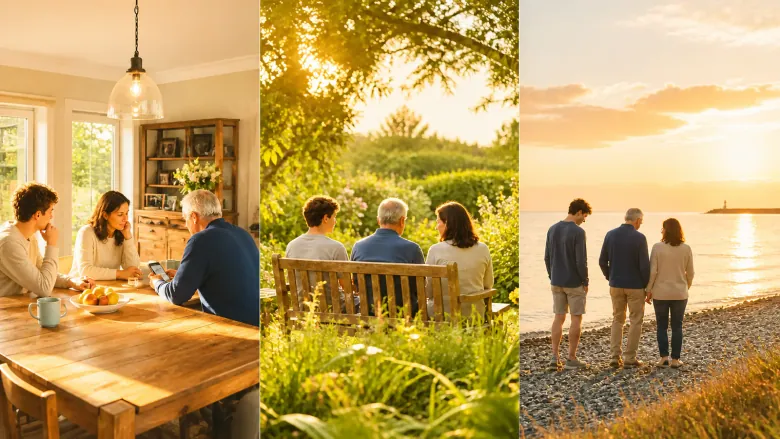
Look for photos that belong together: a familiar place, an everyday moment or a special experience. Consider who appears in each photo and their role in the film.
Choose the right film format
A gift film template and a photo story offer different possibilities. Choose the collection that fits and follow the requirements of your selected template.
FILM STORIES
Which film gift feels right for this person?
Do not settle for just any template. Find the story that immediately brings this person and your shared moments to mind.
1–12 of 300 film stories
A message from the future, and your loved ones are behind it.
A message from your future self
The film begins with a message that supposedly comes from you in the future. Photos from your childhood, your teenage years and shared experiences then show who really sent it. At the end your friends and family speak themselves.
A lovely fit for
For a birthday, from friends and family who want to give the birthday person a surprise.
Your gift becomes
A film with a surprise that reminds you of your life and the people who are part of it.
One small chance, and suddenly there was the two of you.
Lucky we met
A love film about the two of you. It starts with the question of what your lives would look like without each other. Then your photos show how it really went: your first meeting, your best moments together and your little habits. At the end comes your personal wish for your future.
A lovely fit for
For an anniversary, Valentine’s Day or just because, for your partner.
Your gift becomes
A loving film that shows how much one chance and many small decisions have meant to you.
You came from two directions, now you walk the same way.
Two paths, one yes
First your childhood photos, your family and friends, then those of your partner. In the film both life paths run toward each other until you meet on your wedding day. Lovely to show at the celebration.
A lovely fit for
For wedding couples, as a wedding gift or as a film for the celebration.
Your gift becomes
A moving wedding film that brings two life stories together.
An old photo, a puzzle, and the whole family tries to solve it.
The secret family archive
A photo without a name or an old heirloom raises questions. The family tells its version of the story, and a familiar object links them. At the end you show who passes the archive on.
A lovely fit for
For families who want to discover their history together and keep it as a gift for parents, grandparents or siblings.
Your gift becomes
A curious family film in which everyone asks, tells and listens.
A farewell film for retirement: photos from the first working day, from the team and from special projects, plus short greetings from colleagues. At the end it is about what the person is looking forward to now, whether travel, grandchildren or the garden.
A lovely fit for
For teams and families who want to give a personal greeting with real memories from work on retirement.
Your gift becomes
A warm film that looks back on what was achieved and builds anticipation for free time.
Places you visited together remind you of a loved one. Your photos and voices show how they were there, what you did there and what of them has stayed in those places.
A lovely fit for
For families and friends who want to keep places and memories of a person who has died with dignity.
Your gift becomes
A quiet film that shows how the person lives on in your everyday life.
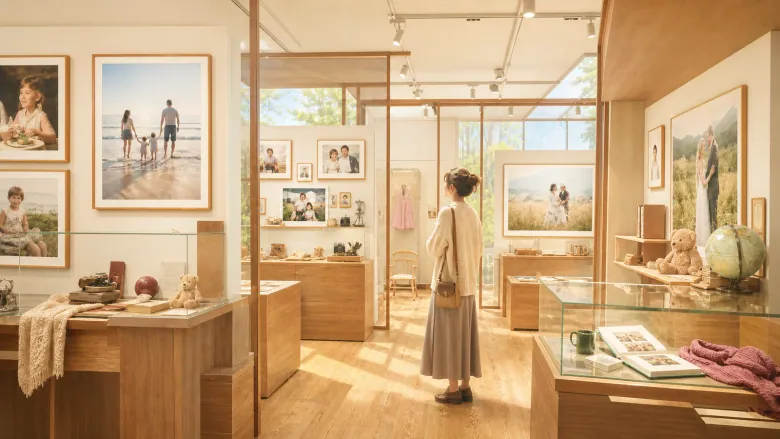
To others an old thing, to us the most important piece in the museum.
The little museum of your life
Family and friends put together a small exhibition just for you: photos from your life, your plans, important people and one special everyday object. At the end there is a room that is still empty, for everything that is to come.
A lovely fit for
For a milestone or special birthday, from family or friends to someone with a full life behind them.
Your gift becomes
A loving tour through a whole life, in which even one small object gets its place.
A real shared moment becomes the first point of light on a star map. With more memories the map grows until your constellation is complete. One point stays free for your wish.
A lovely fit for
For an anniversary or just because, for couples who want to keep their shared experiences in a romantic way.
Your gift becomes
A memory of love that grows piece by piece until many moments become one whole.
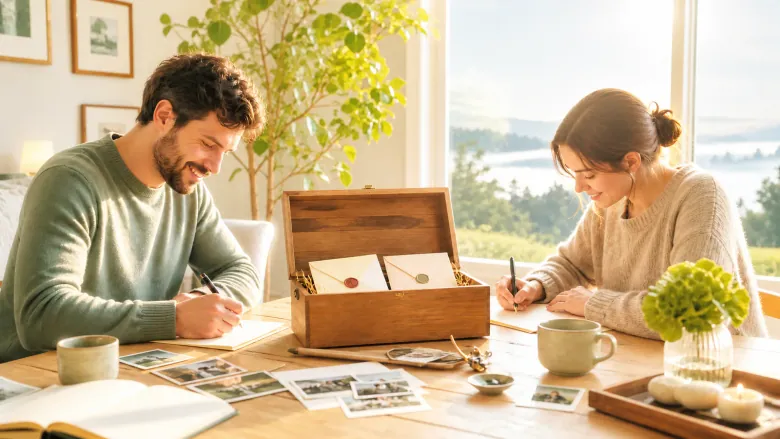
An envelope collects early photos of you, sentences from friends and family and what makes you strong as a couple. At the end you say your promise, and the letter is sealed for later.
A lovely fit for
For wedding couples who want to keep their loved ones’ wishes and their own words for a later year.
Your gift becomes
A warm greeting to later that brings back the voices and the mood of the wedding day when you watch again.
I still do this little thing exactly the way you showed me.
What you taught us
Three things you taught us become visible in real experiences. Then we show how we do them today. At the end we thank you in person and pass it on ourselves.
A lovely fit for
For children, grandchildren and other close people who want to say thank you to someone on a birthday or just because.
Your gift becomes
A personal film that shows what of you lives on in us.