Begin with a moment you both recognize. Build around it with photos and memories rather than a list of general compliments.
Memory film or gift film
A photo story gives several memories room to unfold. A gift film template follows its own story. Compare the two approaches and choose what suits your occasion.
FILM STORIES
Which film gift feels right for this person?
Do not settle for just any template. Find the story that immediately brings this person and your shared moments to mind.
1–12 of 33 film stories
An old photo, a puzzle, and the whole family tries to solve it.
The secret family archive
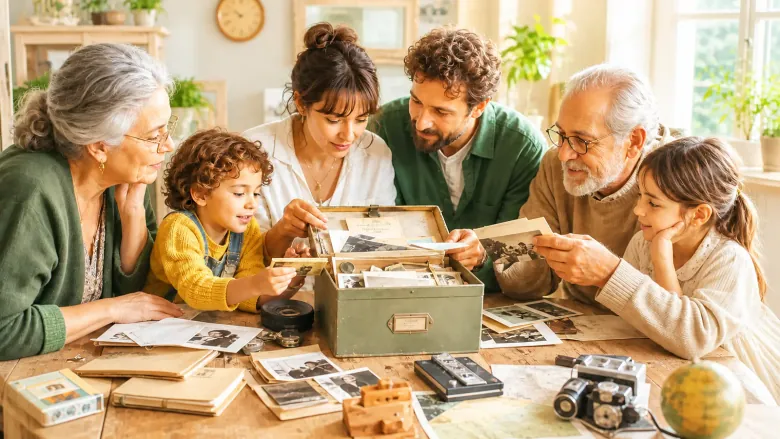
A photo without a name or an old heirloom raises questions. The family tells its version of the story, and a familiar object links them. At the end you show who passes the archive on.
A lovely fit for
For families who want to discover their history together and keep it as a gift for parents, grandparents or siblings.
Your gift becomes
A curious family film in which everyone asks, tells and listens.
I still do this little thing exactly the way you showed me.
What you taught us
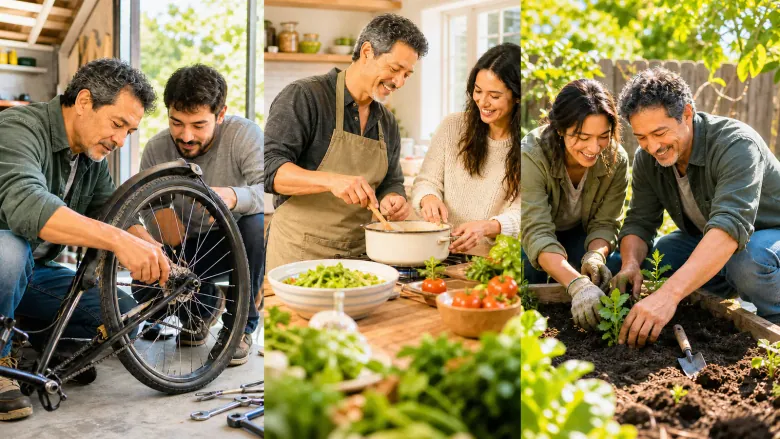
Three things you taught us become visible in real experiences. Then we show how we do them today. At the end we thank you in person and pass it on ourselves.
A lovely fit for
For children, grandchildren and other close people who want to say thank you to someone on a birthday or just because.
Your gift becomes
A personal film that shows what of you lives on in us.
Old words, a new question, and suddenly everyone is talking.
Words from Three Generations
A question from the youngest meets words handed down in the family, read by a narrator. Photos and today's answers connect the generations, and the youngest answer at the end.
A lovely fit for
For families who want to bring several generations together in a personal gift.
Your gift becomes
A family film that reveals what the generations share and where they differ.
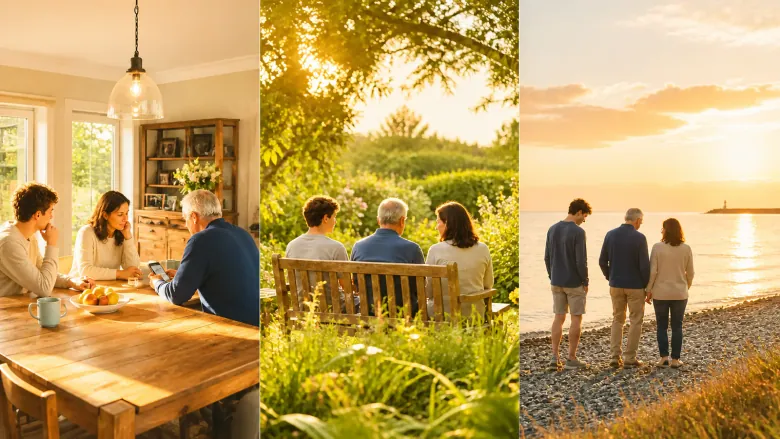
Places you visited together remind you of a loved one. Your photos and voices show how they were there, what you did there and what of them has stayed in those places.
A lovely fit for
For families and friends who want to keep places and memories of a person who has died with dignity.
Your gift becomes
A quiet film that shows how the person lives on in your everyday life.
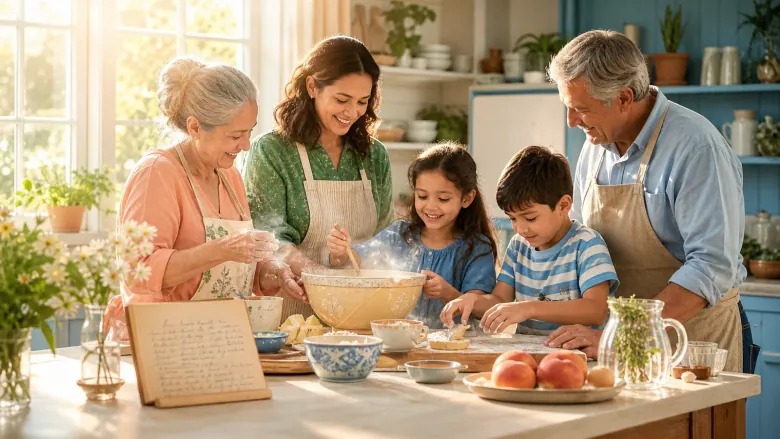
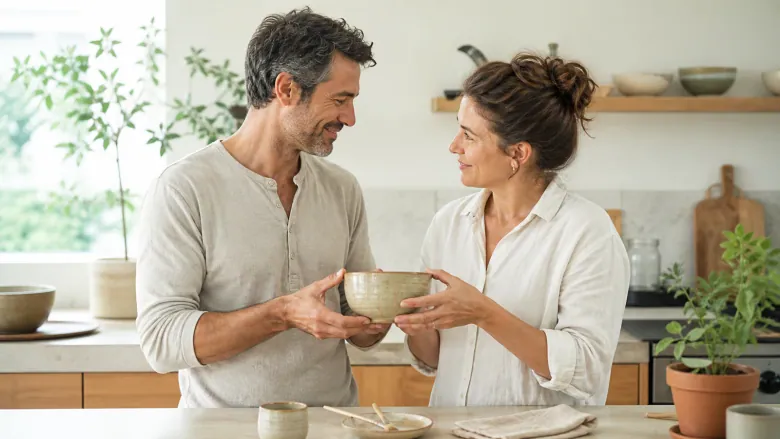
You cook an old family recipe again, with the real recipe card and the ingredients. While cooking, you share memories and kitchen tricks. In the end, several generations sit around the table.
A lovely fit for
For families who are thinking of someone who has died, for example on the anniversary of their death or at a family gathering.
Your gift becomes
A calm memorial film that goes from the recipe to the laid table.
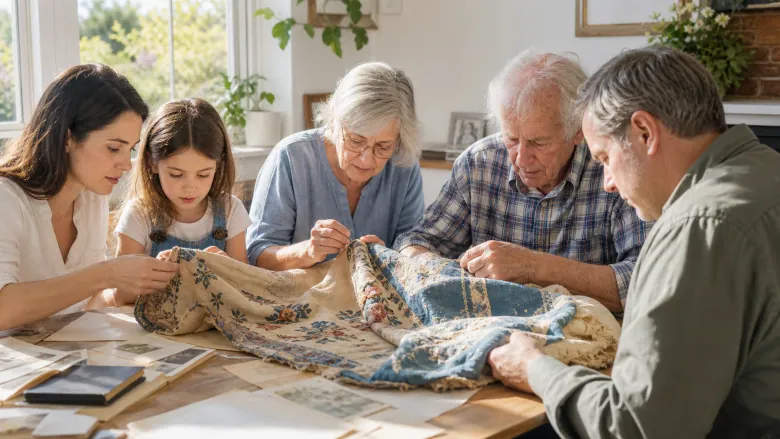
The old piece is whole again, and the new stitches tell their part.
Our heirloom gets repaired
A family heirloom such as a quilt, a tool or a keepsake is carefully repaired. Old photos, signs of wear and family memories are added. The repair stays visible.
A lovely fit for
For parents or grandparents, for a family celebration or when an heirloom is handed to the next generation.
Your gift becomes
A warm family film about a rescued keepsake and the people it has been with for years.
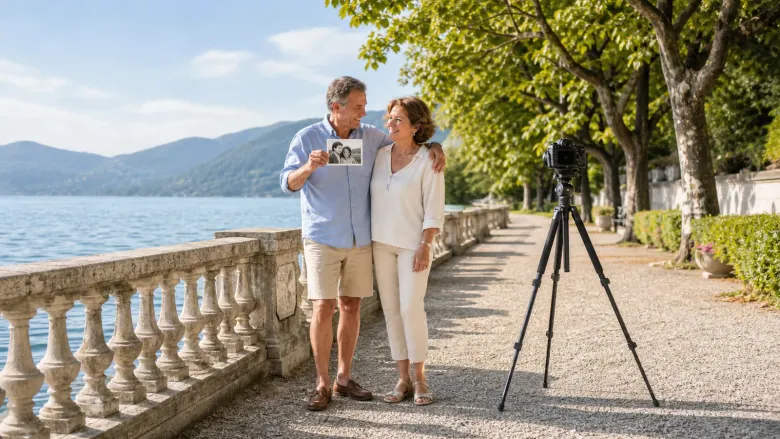
You visit the places where photos of you were taken years ago and stand there once more just the same way. The pictures from then and now sit side by side and show what has changed and what has stayed.
A lovely fit for
For couples who want to recreate old photos for their anniversary at the places where they were taken.
Your gift becomes
A film of earlier and current couple photos that ends with a new photo of you.
Your personal handbook for everyday life as a couple: a break when things get tight, real listening, an inside joke to laugh about and a new rule that you write down together today.
A lovely fit for
For couples who want to show, with warmth and humour, how they are there for each other day to day.
Your gift becomes
A playful film like a handbook for two, ending with a gesture from today and your own words.
The typical sayings of a loved one appear in familiar handwriting. For each one you tell in which situation it was said, whether advice, a joke or comfort.
A lovely fit for
In memory of someone who has died, on the anniversary of their death or at a memorial gathering, for family and friends.
Your gift becomes
A quiet memorial film in which the family passes the sayings on in their own voices.
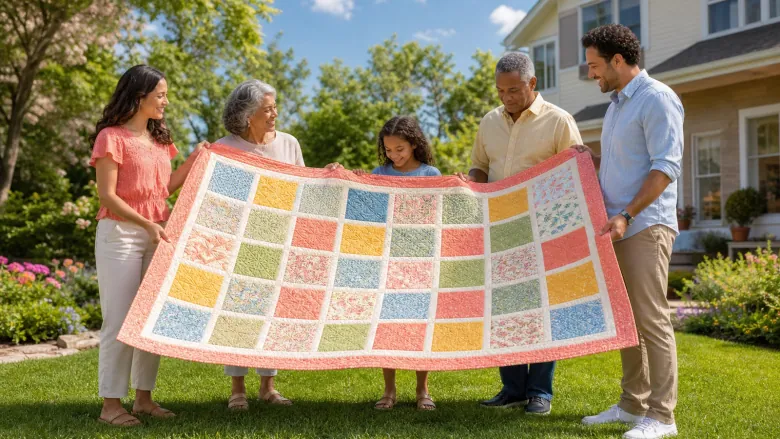
Everyone in the family chooses a fabric or a color and briefly says why. Together you sew or lay the fabrics into a banner, with open spaces where words are missing.
A lovely fit for
For relatives and friends who, after a death, want to make a keepsake together from fabrics they chose themselves.
Your gift becomes
A quiet film from a single fabric with its story to the finished banner that you stand in front of together.
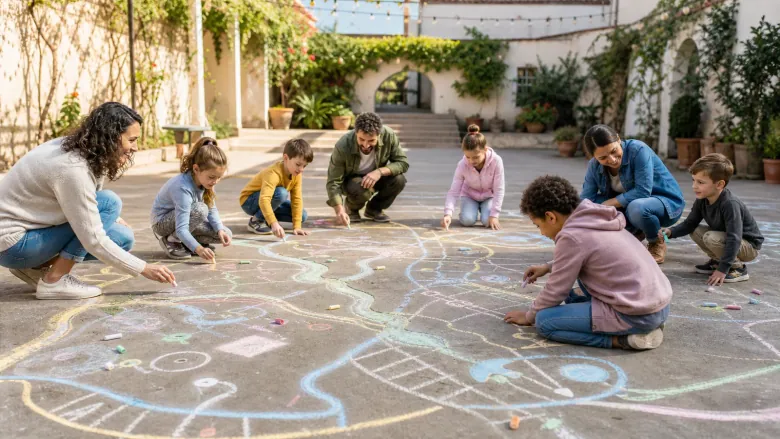
The old play paths are back, and today’s children draw new ones.
Our childhood games in chalk
Adults draw the playing fields of their childhood on the ground in chalk and explain the rules. Today’s children try the paths and invent their own versions. An old photo shows how it used to be.
A lovely fit for
For families or former playmates who want to redraw and try out games from their childhood with children.
Your gift becomes
A cheerful film about old and new games that ends on one shared chalk field.