The film shows photos from different decades: childhood, teenage years, the wedding, family, work and life today. Greetings from family and friends are added. It ends with a personal message for the 60th birthday.
The photos you need
Ideally a few photos from each stage of life, a recent portrait and pictures with family and friends. You don't need a lot of pictures.
How you get your film
Choose a 60th birthday film idea, upload photos, answer the questions for the chosen story and confirm the details. The finished film appears in My Studio. You can watch it there, download it and show it at the party. If you like, add a personal certificate or poem as a PDF.
FILM STORIES
Which film gift feels right for this person?
Do not settle for just any template. Find the story that immediately brings this person and your shared moments to mind.
1–4 of 4 film stories
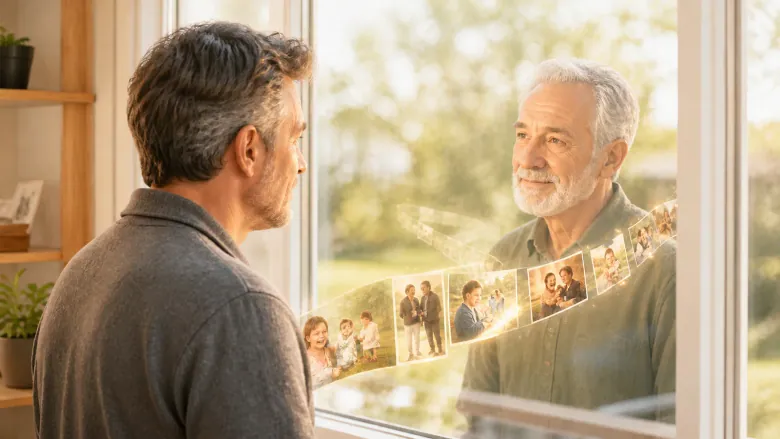
A message from the future, and your loved ones are behind it.
A message from your future self
The film begins with a message that supposedly comes from you in the future. Photos from your childhood, your teenage years and shared experiences then show who really sent it. At the end your friends and family speak themselves.
A lovely fit for
For a birthday, from friends and family who want to give the birthday person a surprise.
Your gift becomes
A film with a surprise that reminds you of your life and the people who are part of it.
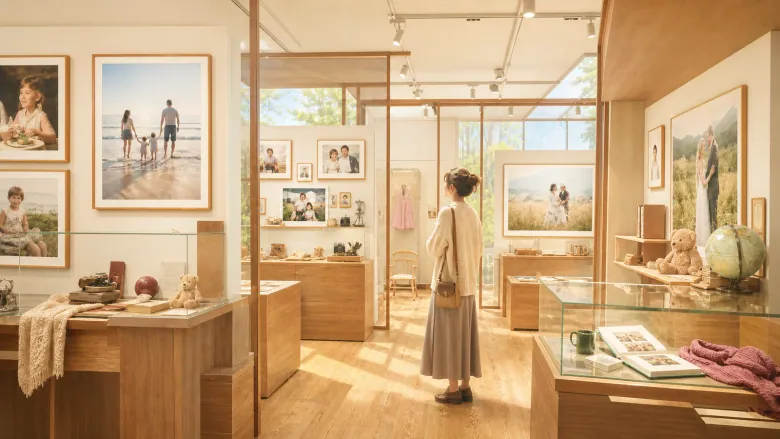
To others an old thing, to us the most important piece in the museum.
The little museum of your life
Family and friends put together a small exhibition just for you: photos from your life, your plans, important people and one special everyday object. At the end there is a room that is still empty, for everything that is to come.
A lovely fit for
For a milestone or special birthday, from family or friends to someone with a full life behind them.
Your gift becomes
A loving tour through a whole life, in which even one small object gets its place.
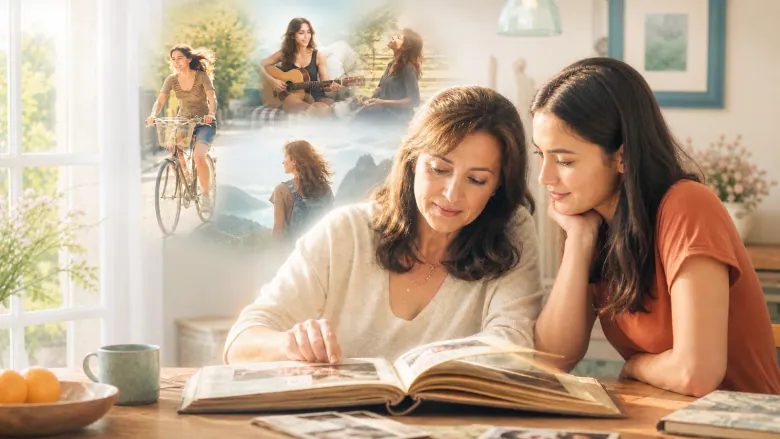
You know her as Mom. Here you also meet the young woman she was.
Who Mom was before she was Mom
The film first shows your mother as a young woman, with her friends, plans and decisions. Then come the family pictures from later years. At the end you say thank you and wish her something for today.
A lovely fit for
For a mother’s birthday, from children and relatives who want to give her a personal portrait of her life.
Your gift becomes
A film that shows your mother the way you may never have seen her.
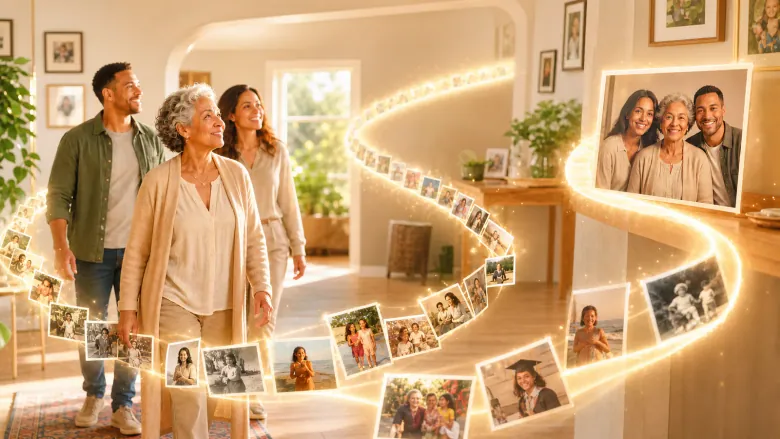
A film made from many photos of your life: with people close to you, trips together and your typical habits. Your loved ones each say their favorite moment with you, and in the end you wish for something in the future.
A lovely fit for
For a 30th, 40th, 50th, 60th or other milestone birthday or anniversary, when many people want to contribute.
Your gift becomes
A varied look back made of many small contributions that shows how many people are part of your life.