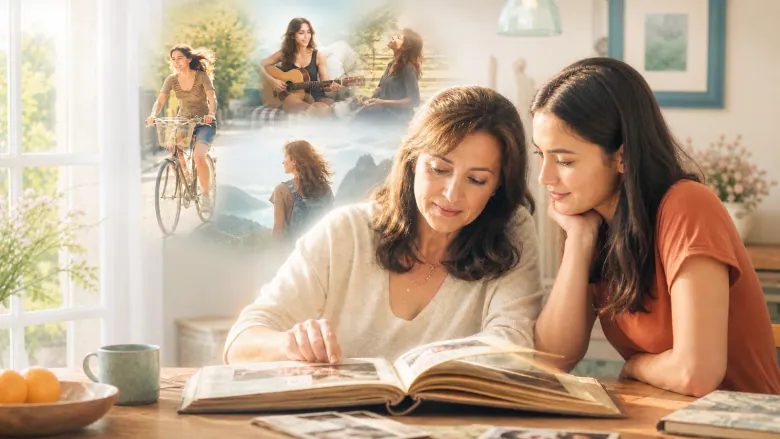
The film is about your mom: photos from when she was young, from her wedding, with you kids and from today. It also shows places and hobbies that are part of her life, like her garden, her kitchen or a trip she loved. At the end you tell her, in your own words, what you want to say.
The photos you need
Old photos of her as a young woman, family pictures, a recent portrait and photos of things she enjoys work well. A few good photos are enough.
How you get your film
Pick a film idea for your mom and upload the photos. Then answer the questions for the chosen story and confirm the details. The film then appears in My Studio, ready to watch and download. If you like, add a personal PDF, for example a letter to her.
FILM STORIES
Which film gift feels right for this person?
Do not settle for just any template. Find the story that immediately brings this person and your shared moments to mind.
1–6 of 6 film stories
You know her as Mom. Here you also meet the young woman she was.
Who Mom was before she was Mom
The film first shows your mother as a young woman, with her friends, plans and decisions. Then come the family pictures from later years. At the end you say thank you and wish her something for today.
A lovely fit for
For a mother’s birthday, from children and relatives who want to give her a personal portrait of her life.
Your gift becomes
A film that shows your mother the way you may never have seen her.
Your family photos become her stories. She tells them herself, answers another memory and picks her favourite joke. In the end the whole table is laughing.
A lovely fit for
For children and partners who want to show a mother, on her birthday or Mother’s Day, how much they love listening to her.
Your gift becomes
A cheerful film to watch again, with her voice and the laughing faces of her listeners.