The film shows your friendship: how you met, trips, parties, inside jokes and photos from today. Some film ideas turn it into a road trip with the two of you. It ends with your personal message.
The photos you need
Photos from when you met, pictures of trips and nights out together and a recent photo of you both. Only use pictures your friend is comfortable with.
How you get your film
Choose a friendship film idea, upload photos, answer the questions for the chosen story and confirm the details. The finished film is in My Studio to watch and download. If you like, add a personal letter or poem as a PDF.
FILM STORIES
Which film gift feels right for this person?
Do not settle for just any template. Find the story that immediately brings this person and your shared moments to mind.
1–11 of 11 film stories
With you, even the shortest trip becomes a favorite story.
Our friendship as a journey
A map joins early photos, real trips and a funny moment. A gesture you can count on leads to the group of today and to a trip that is still open.
A lovely fit for
For groups of friends, for a birthday, a reunion or as a thank-you to good friends.
Your gift becomes
A lively look back with humor that shows what connects you between the adventures.
You can spot this group by the way they say hello.
Our friend group as a nature documentary
As in an affectionate nature documentary, you see your habits: the greeting, the search for food and your group call. A small act of help shows what is behind it.
A lovely fit for
For a birthday, a farewell or as thanks, from a group of friends to one friend.
Your gift becomes
A funny portrait of your friends that ends with a personal thank-you.
A film about a reunion after a long time: both of you make tea at home, then the doorbell rings and you sit across from each other at the table. A shared memory comes up.
A lovely fit for
For two friends who are meeting again after a long time, as a gift before or after the meeting.
Your gift becomes
A calm film with your photos of the preparation and the meeting.
Two friends show each other four tasks from their daily lives. Then they swap: each one tries the other's tasks, gets a bit clumsy now and then and tells what came as a surprise.
A lovely fit for
For your best friend, as a birthday present or simply as a keepsake of a funny swap day.
Your gift becomes
A funny, honest friendship film about one day with switched roles.
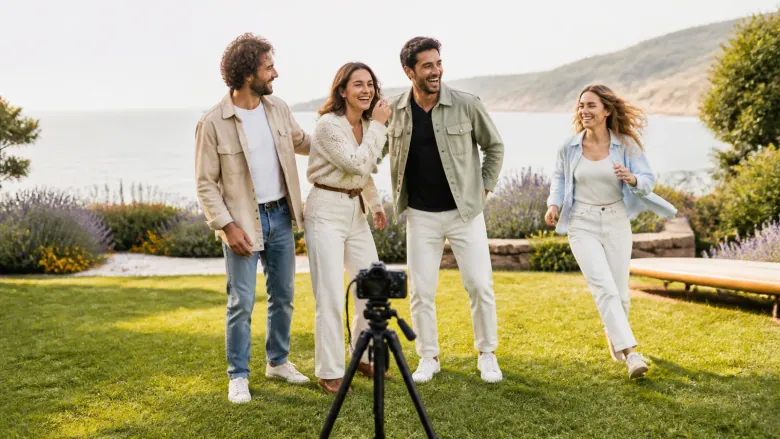
Eight failed attempts at your yearly friends photo, with your comments from today: the turned head, the empty spot, the laugh at the wrong moment. Then you try once more.
A lovely fit for
For your group of friends, for the yearly get-together, a milestone birthday or your gang's anniversary.
Your gift becomes
A funny film full of laughter that ends right before the new photo is taken.
Your photos of the last days together, packing boxes and small farewell presents. Added to that are honest words and greetings from friends for life in the new place.
A lovely fit for
For a friend who is moving, going abroad, starting university or changing jobs.
Your gift becomes
A warm farewell film that feels good on reunion days and in homesick moments.
Your words tell of a small everyday thing, read aloud by a narrator. Your friend asks questions instead of giving advice. At the end, you see each other again.
A lovely fit for
For a good friend, as a thank-you after a hard time or just because.